
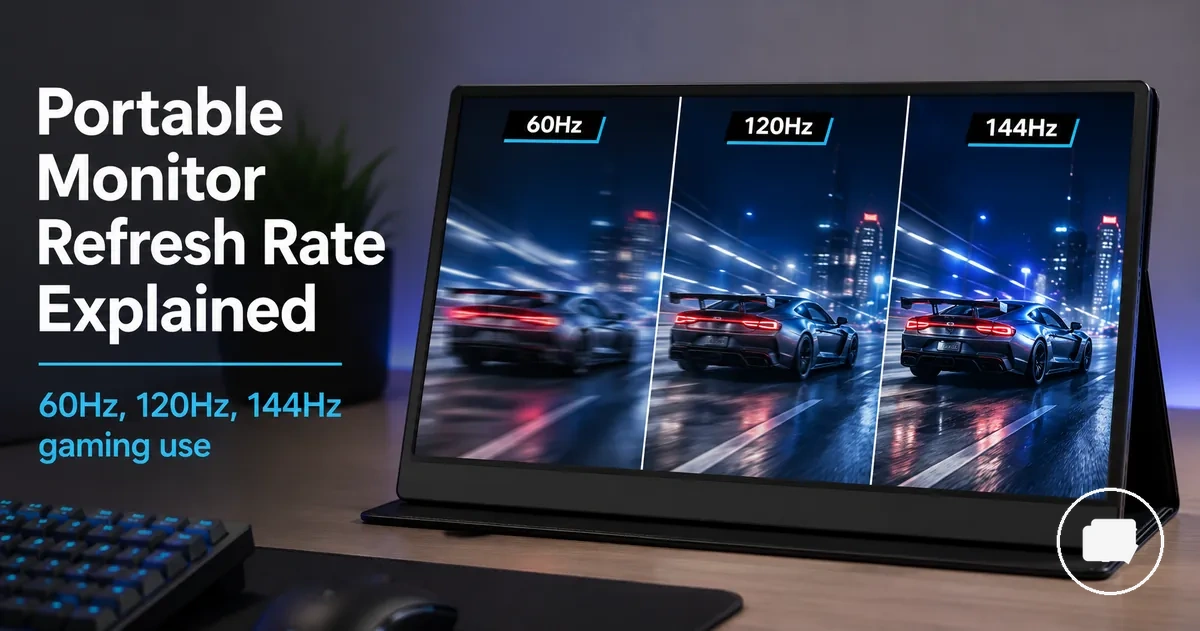
Portable monitor refresh rate for smooth motion and gaming decisions
Portable monitor refresh rate is the number of times the display updates the image each second, measured in Hz. Common refresh rate options include 60Hz, 120Hz, and 144Hz, and each can influence how smooth motion appears on the screen. Refresh rate provides the foundation for judging visible motion quality on a portable monitor.
For everyday use, video playback, general play, and gaming, the most suitable refresh rate depends on how the monitor will be used. A higher refresh rate can provide smoother motion when the source device, supported frame rate, cable, resolution, and connection all support it. Rated refresh rate and usable refresh rate may differ if the connected setup cannot deliver the required output.
A portable monitor with a high refresh rate can be a good choice for gaming because smoother motion and more responsive control may improve the experience in supported situations. However, gaming performance also depends on factors such as input lag, frame rate, device output, and connection capability, which the following sections explain in more detail.
Refresh rate is one buying attribute rather than the only decision factor. Comparing 60Hz, 120Hz, and 144Hz alongside resolution, cable support, power stability, and overall value can help you choose a portable monitor that better matches your intended use.
What refresh rate means on a portable monitor
Refresh rate is the number of times a portable monitor can update its image per second. Each screen update refreshes the displayed image, and the update frequency is measured in Hz. Hz is the standard measurement used to describe a portable monitor's refresh rate.
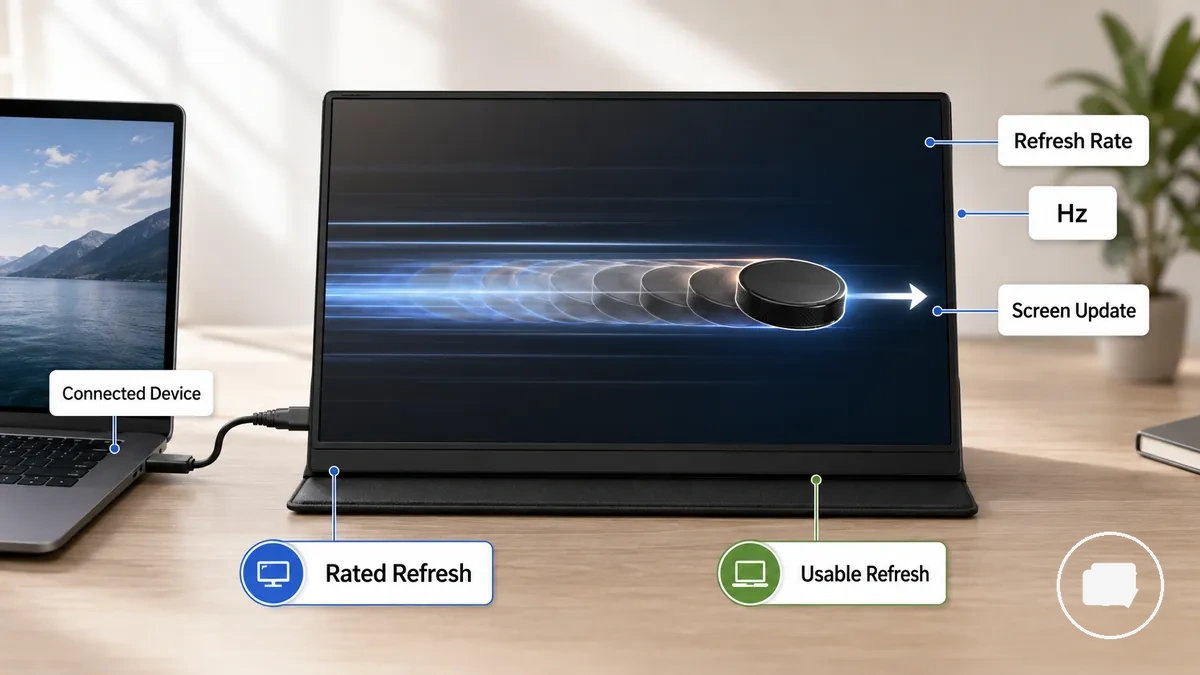
When a portable monitor receives image data from a connected device, the screen updates according to the usable refresh rate that the connection and source can support. The rated refresh rate describes the monitor's maximum supported update rate, while the usable refresh rate may be lower if the connected device cannot deliver matching frame updates. This difference can influence perceived motion smoothness because the screen can only display updates that it receives.
A common myth is that refresh rate is the same as frame rate or other display specifications. In reality, refresh rate is a separate display attribute and should not be confused with resolution, response time, or input lag, even though these characteristics can interact during real use. For a broader explanation of related display features, see the portable monitor guide.
How 60Hz, 120Hz, and 144Hz change motion clarity
60Hz, 120Hz, and 144Hz are different refresh rate tiers that can change perceived motion clarity on a portable monitor. Higher refresh rate tiers may make cursor movement, scrolling, and game responsiveness feel smoother when the connected device, supported frame rate, and connection can deliver matching updates. The comparison below shows how these tiers differ under common use conditions.
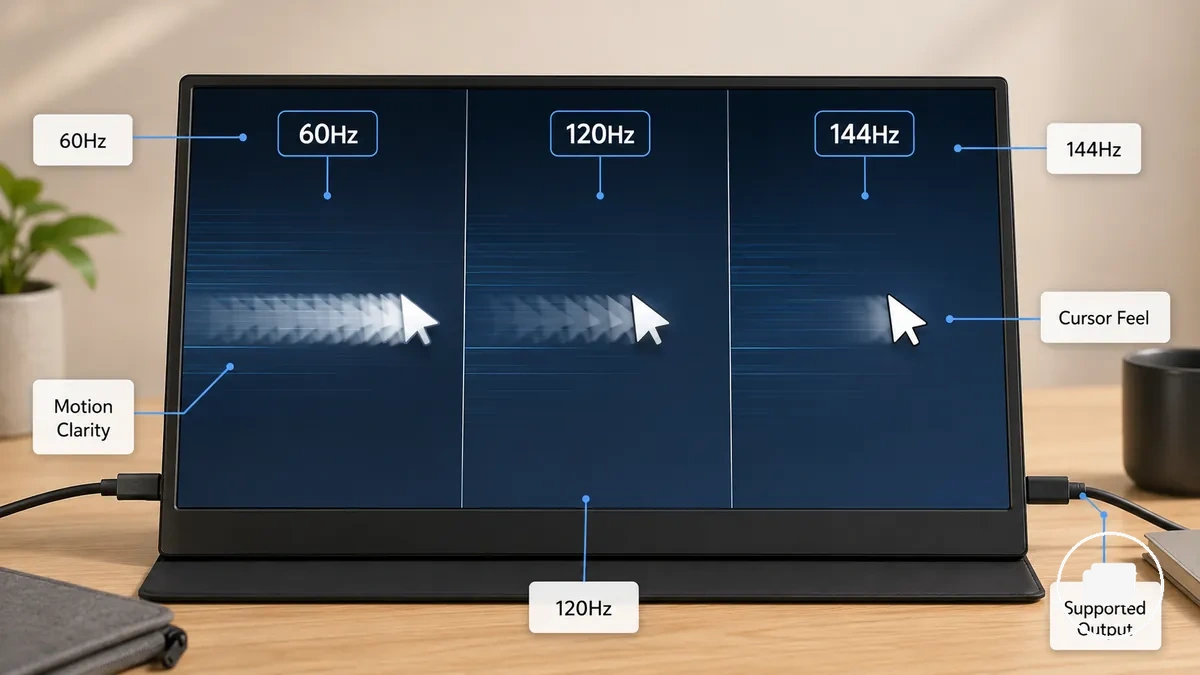
For everyday work, mixed media, console play, and fast games, the visible benefit depends on the complete display path rather than the refresh rate alone. A portable monitor can only present the updates it receives, so the practical advantage of 120Hz or 144Hz depends on source output, supported frame rate, cable capability, and connection support.
| Refresh rate tier | Motion effect | Best-fit use case | Conditions to check |
|---|---|---|---|
| 60Hz | Suitable motion clarity for everyday use, video, and general play | Office tasks, web browsing, streaming, casual gaming | Source device and content should support 60Hz output |
| 120Hz | May provide smoother movement, improved cursor feel, and better motion smoothness | Mixed media, smoother gaming, and fast navigation | Requires a supported frame rate and a compatible cable and connection |
| 144Hz | May improve motion clarity and game responsiveness during fast-moving scenes | Fast games and high-motion content | Benefits depend on high frame rate output and compatible connection support |
60Hz portable monitors for everyday use and general play
60Hz portable monitors for everyday use and general play can provide suitable smoothness for everyday tasks, video playback, and light gaming when the connected device also outputs up to 60Hz. This common refresh rate tier is often enough for lower-motion content or devices with a similar output limit, making it well suited to standard-use scenarios.
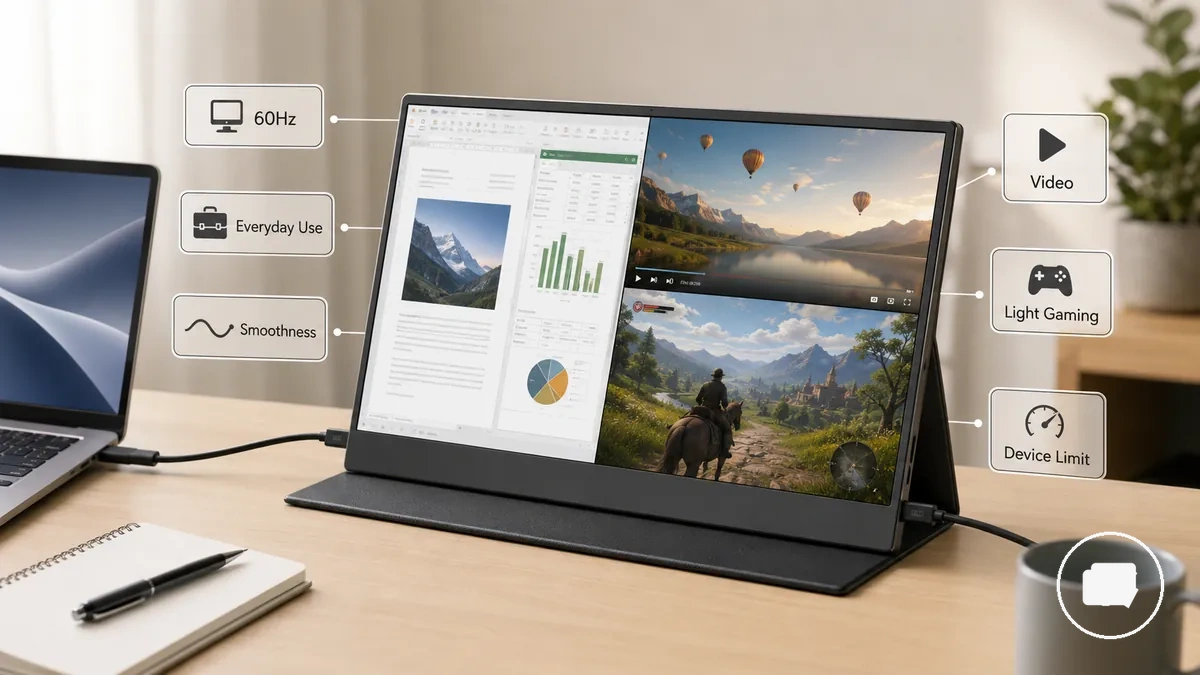
Typical situations where a 60Hz portable monitor can be a suitable choice include:
- Everyday use such as web browsing, office work, reading, and productivity tasks.
- Video playback where the source content and device are designed for standard refresh rates.
- Light gaming and general play when the connected device has a 60Hz output limit or similar supported refresh rate.
If your use focuses on casual work, media viewing, or basic gaming, a 60Hz portable monitor may provide acceptable smoothness without requiring a higher refresh rate. The overall trade-off can depend on factors such as resolution, power use, and price rather than refresh rate alone.
120Hz portable monitors for smoother gaming and video
120Hz portable monitors for smoother gaming and video can provide improved motion smoothness when the connected device, supported content, and frame rate all support 120Hz output. As a middle refresh rate tier, a 120Hz portable monitor may make movement feel smoother without the highest high-refresh trade-off, but the benefit depends on compatible device output, supported content, and display settings.
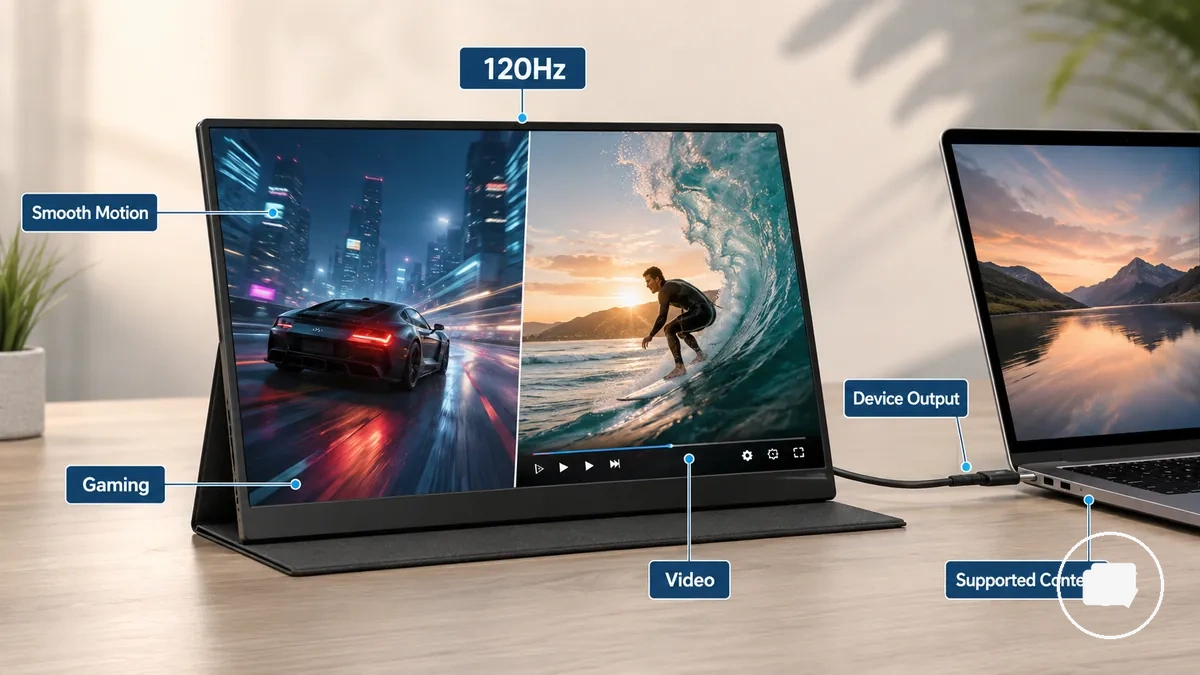
The following conditions help determine whether a 120Hz portable monitor can deliver smoother movement:
- Supported games or video sources that can produce higher frame rates.
- A connected device with compatible 120Hz device output.
- A cable and display mode that support the selected refresh rate.
When these conditions are met, a 120Hz portable monitor may provide smoother gaming and video motion for mixed-use scenarios. If the source device or supported content is limited to a lower frame rate, the visible improvement may be reduced, making 120Hz a balanced middle refresh tier rather than a universal performance upgrade.
144Hz portable monitors for fast games and responsive control
144Hz portable monitors for fast games and responsive control can provide improved motion clarity and a more responsive feel when the connected device delivers a high frame rate and supports the required display mode. As a high refresh tier, a 144Hz portable monitor may benefit fast-paced gaming, but the experience depends on suitable device output, panel response, and connection bandwidth to realize the available motion improvement.
The users most likely to benefit from a 144Hz portable monitor include:
- Fast action games where smoother motion can improve visual tracking.
- Competitive play when the source device can produce a high frame rate.
- High-frame laptop gaming with a compatible connection and supported display mode.
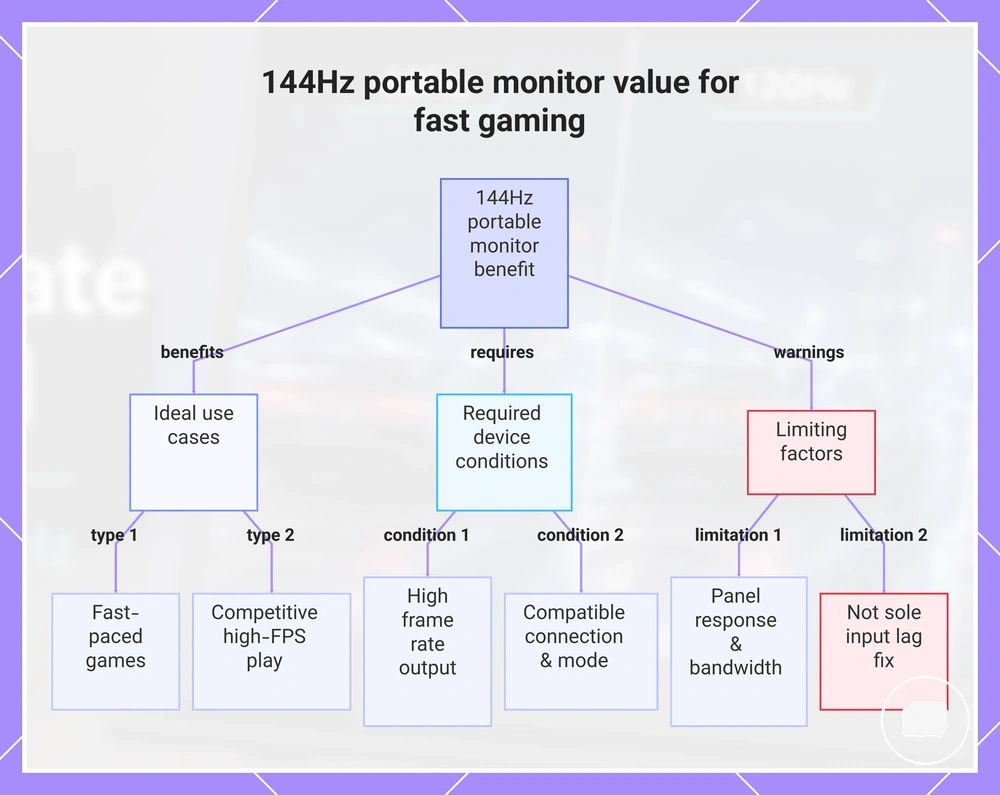
When these conditions are met, a 144Hz portable monitor may provide more responsive control and improved motion clarity during fast games. However, panel response, device output, and connection bandwidth can all limit the real benefit, so a higher refresh rate alone does not determine input lag or guarantee the same experience across every gaming setup.
This chart shows when a 144Hz portable monitor improves motion clarity and responsiveness, and what conditions are required to benefit from the high refresh rate.
60Hz vs 144Hz on a portable monitor
60Hz vs 144Hz on a portable monitor depends on your motion requirements, supported source frame rate, connection support, and value trade-off. A 144Hz display updates more often than a 60Hz display, but the practical difference depends on whether your device and content can use the higher refresh rate. For lower-demand use, 60Hz may remain suitable, while 144Hz becomes more valuable when fast gaming and supported output justify it.
For productivity, casual gaming, and everyday media, 60Hz can provide a balanced combination of smoothness, lower power demand, and value. For fast gaming, 144Hz may provide stronger motion clarity and a more responsive feel when the source frame rate and connection support allow it. The comparison below summarizes the main decision factors.
| Condition | 60Hz implication | 144Hz implication | Decision signal |
|---|---|---|---|
| Casual use | Suitable for productivity, web browsing, media, and casual gaming | Higher refresh may provide limited additional benefit | Choose based on everyday usage needs |
| Fast gaming | Suitable for lower-motion gaming | May provide stronger motion clarity when supported by a high source frame rate | Consider 144Hz when fast-paced gaming is a priority |
| Device output | Works well with standard refresh output | Requires compatible source output and connection support | Verify the usable refresh rate before choosing |
| Power or battery | May suit lower power demand scenarios | Power demand can be higher depending on the complete setup | Balance refresh rate with battery or power priorities |
| Price-value fit | Often suitable when motion demands are modest | May provide better value when fast-motion performance is important | Select the refresh rate that best matches your use case, supported output, and budget |
Refresh rate, frame rate, input lag, and response time
Refresh rate, frame rate, input lag, and response time each describe a different aspect of display performance on a portable monitor. Together they influence perceived motion and responsiveness, but they measure different characteristics and should not be treated as interchangeable. Understanding these differences helps you evaluate gaming and everyday performance more accurately.
Refresh rate measures how often the screen updates each second, while frame rate measures how many frames the source device delivers. Input lag measures the delay between user input and the corresponding on-screen action, and response time measures pixel response speed, which can influence motion clarity and visible blur. The table below separates these performance terms that are often confused.
A high-refresh portable monitor may still feel limited if frame delivery is inconsistent, input lag is noticeable, or pixel response is slower than the motion being displayed. For a broader explanation of how these factors work together, see portable monitor for gaming.
| Term | What it measures | What affects it | Why it matters |
|---|---|---|---|
| Refresh rate | Screen updates per second (Hz) | Display capability and supported connection | Influences perceived motion when frame delivery can match the refresh rate |
| Frame rate | Frames per second (FPS) from the source device | Game output and device performance | Determines how many visual frames reach the display |
| Input lag | Delay between user input and screen response | Display processing and signal path | Influences control responsiveness and gaming feel |
| Response time | Pixel response speed | Panel characteristics | Can affect motion clarity and blur during fast movement |
Device and cable conditions that limit usable refresh rate
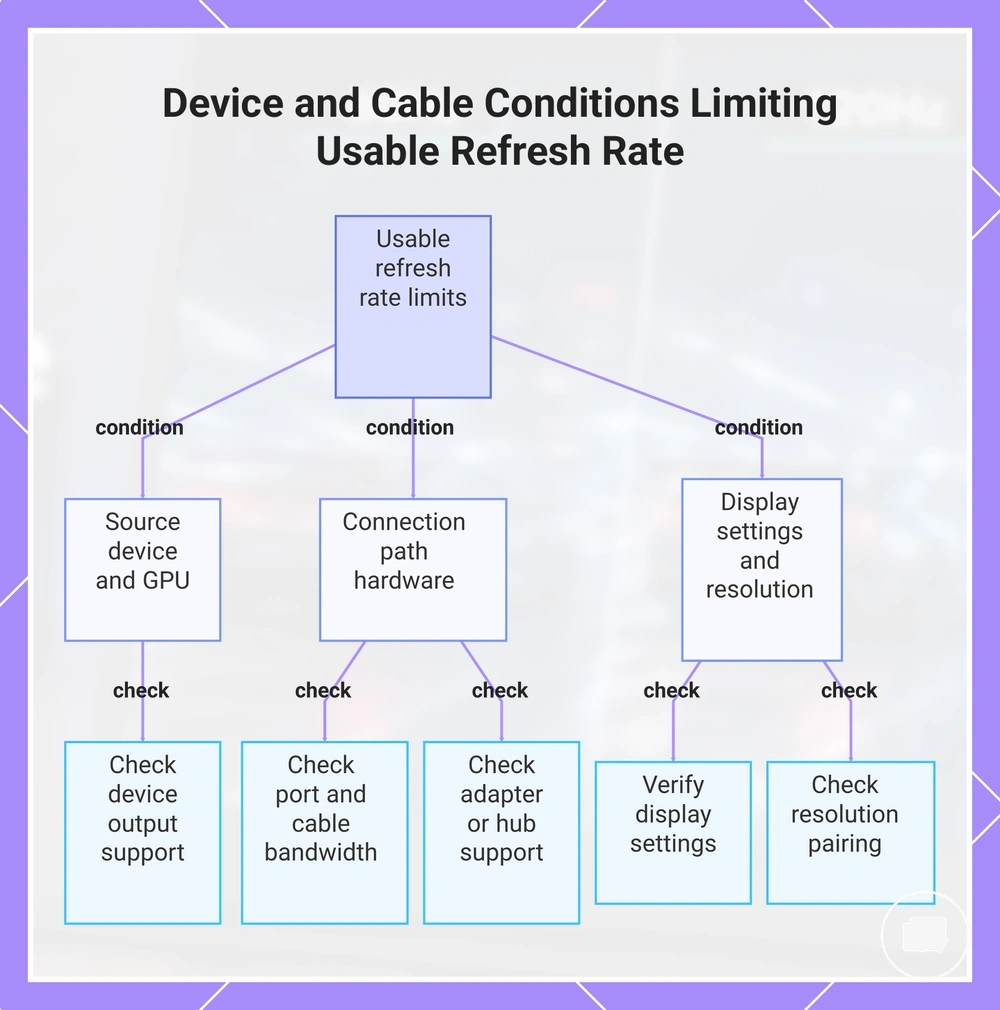
Usable refresh rate depends on the complete connection chain rather than the portable monitor alone. The source device, cable, port, display settings, and selected resolution must all support the required output before higher refresh options become available. Usable refresh rate is therefore a compatibility result, not only a monitor specification.
If a portable monitor advertises 144Hz but the connected device exposes only 60Hz or 120Hz, one or more parts of the connection path may be limiting the supported output. Device and cable conditions that limit usable refresh rate can usually be verified by checking the source device, cable, port, adapter, hub, display settings, and resolution before assuming the monitor is responsible. Use the checklist below to verify the most common compatibility conditions.
- Confirm the source device, GPU, or console output supports the desired refresh rate at the selected resolution.
- Check that the USB-C or HDMI port provides enough bandwidth for the required display mode.
- Verify the cable supports the intended resolution and refresh combination.
- If an adapter or hub is used, confirm it supports the required display mode because it may limit the available refresh option.
- Review the display settings to ensure the preferred refresh option is selected when supported.
- Check the selected resolution because different resolution and refresh pairings may expose different usable modes.
This chart shows the main device and cable compatibility checks that determine the usable refresh rate of a portable monitor, helping identify which part of the connection chain may be limiting higher refresh options.
Resolution, screen size, power use, and price trade-offs
Refresh rate is only one part of a portable monitor's overall value. Resolution, screen size, power use, and price can each improve a different aspect of the experience, so the better choice depends on your buying priorities rather than one specification alone.
If gaming-first use is your priority, a higher refresh rate may deserve more attention than extra display sharpness when the source device can support it. Mixed-use users may prefer a more balanced combination of features, while users focused on reading or detailed work may place greater value on resolution. For a closer comparison of display sharpness, see portable monitor resolution.
Choosing every premium feature can increase trade-offs rather than overall value. A larger screen, higher resolution, or higher refresh rate may increase power use or price depending on the complete configuration, so selecting features that match your typical use can provide a more balanced outcome.
The table below compares how the main portable monitor attributes influence feature value and buying decisions. If you are deciding how refresh rate fits into the overall purchase, the broader relationship between refresh rate and feature value can help guide the final decision.
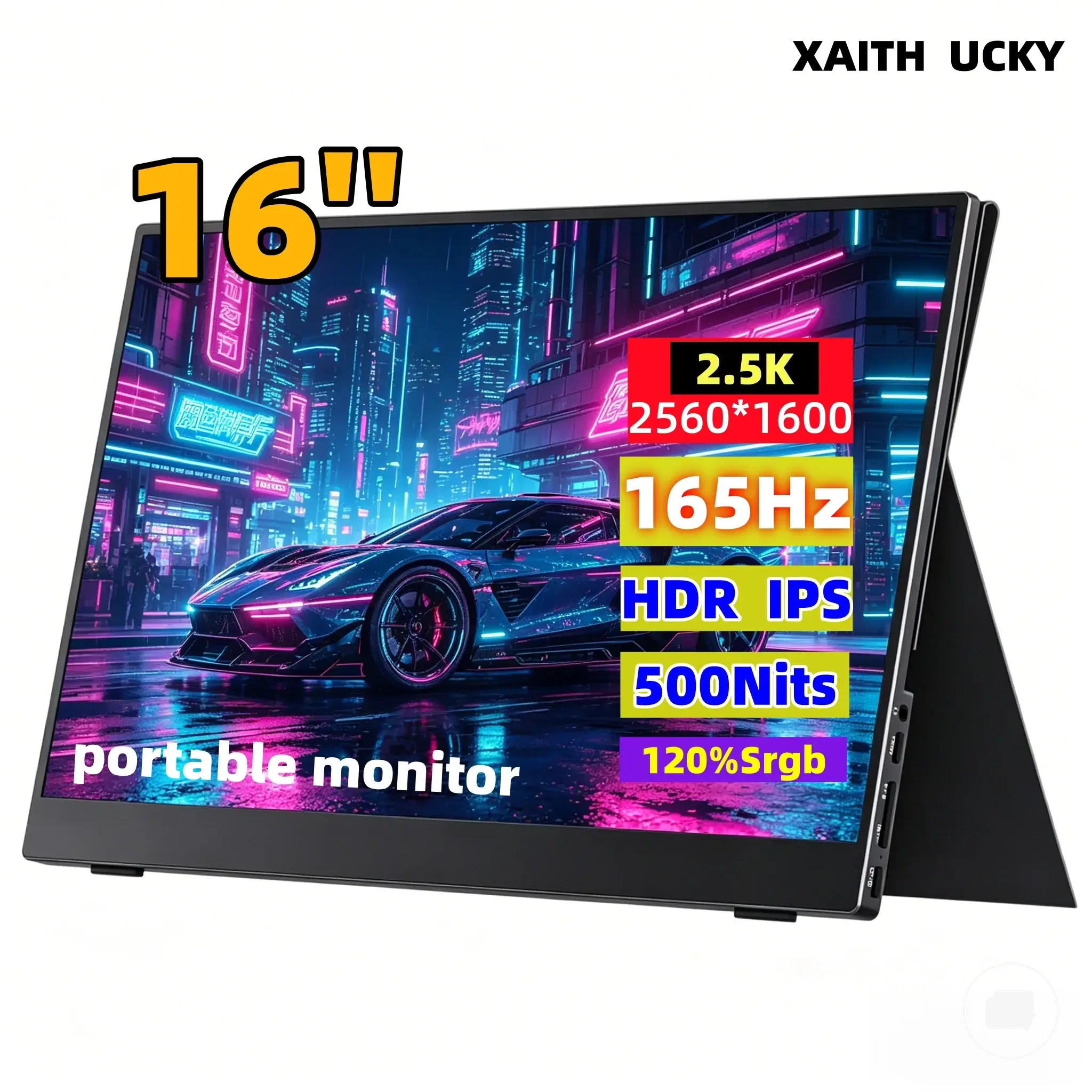
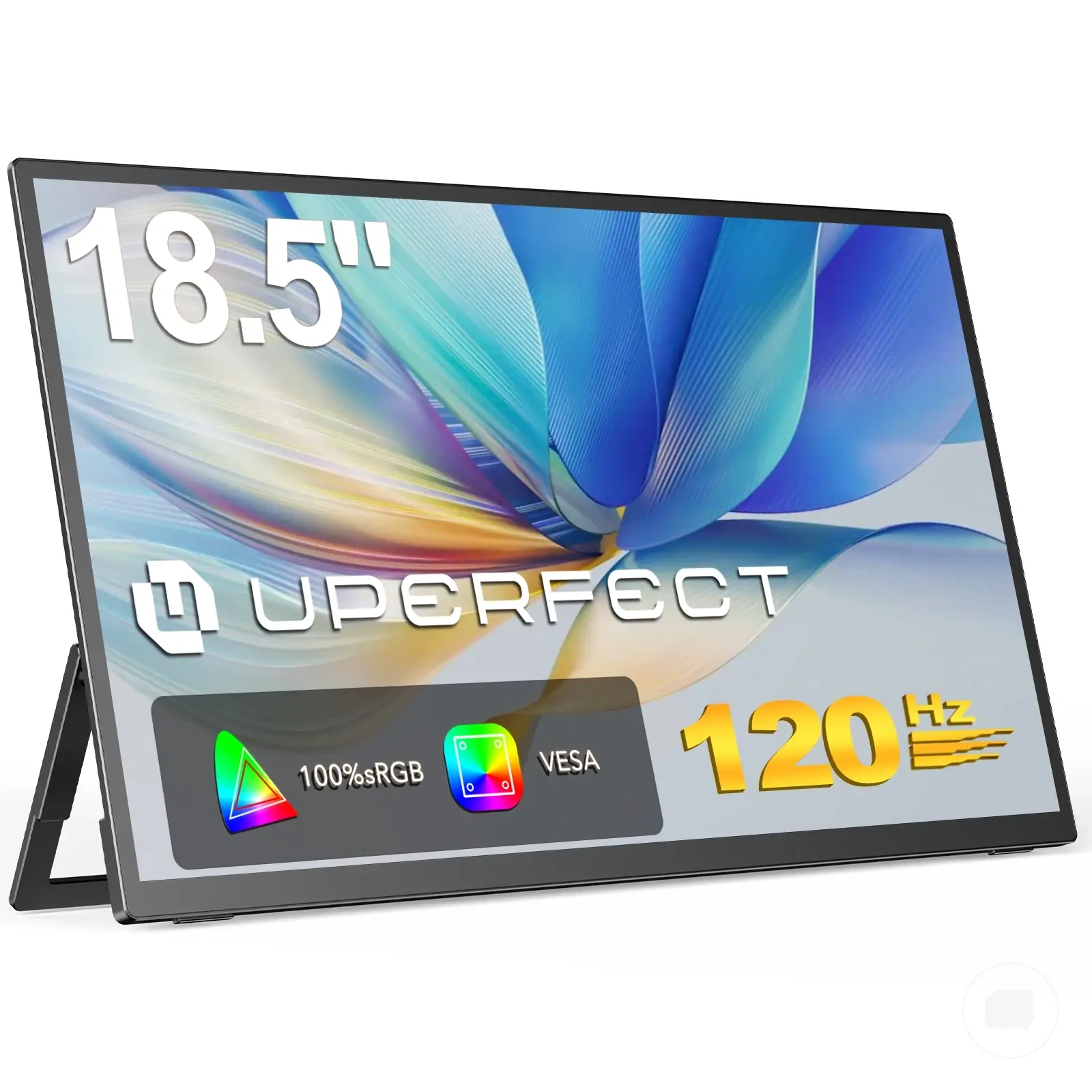
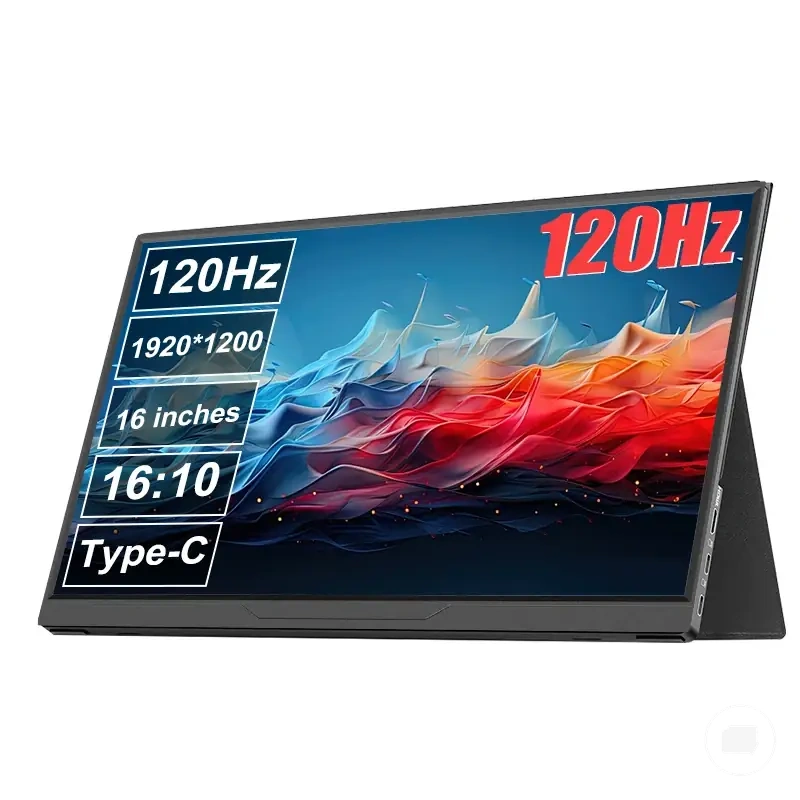
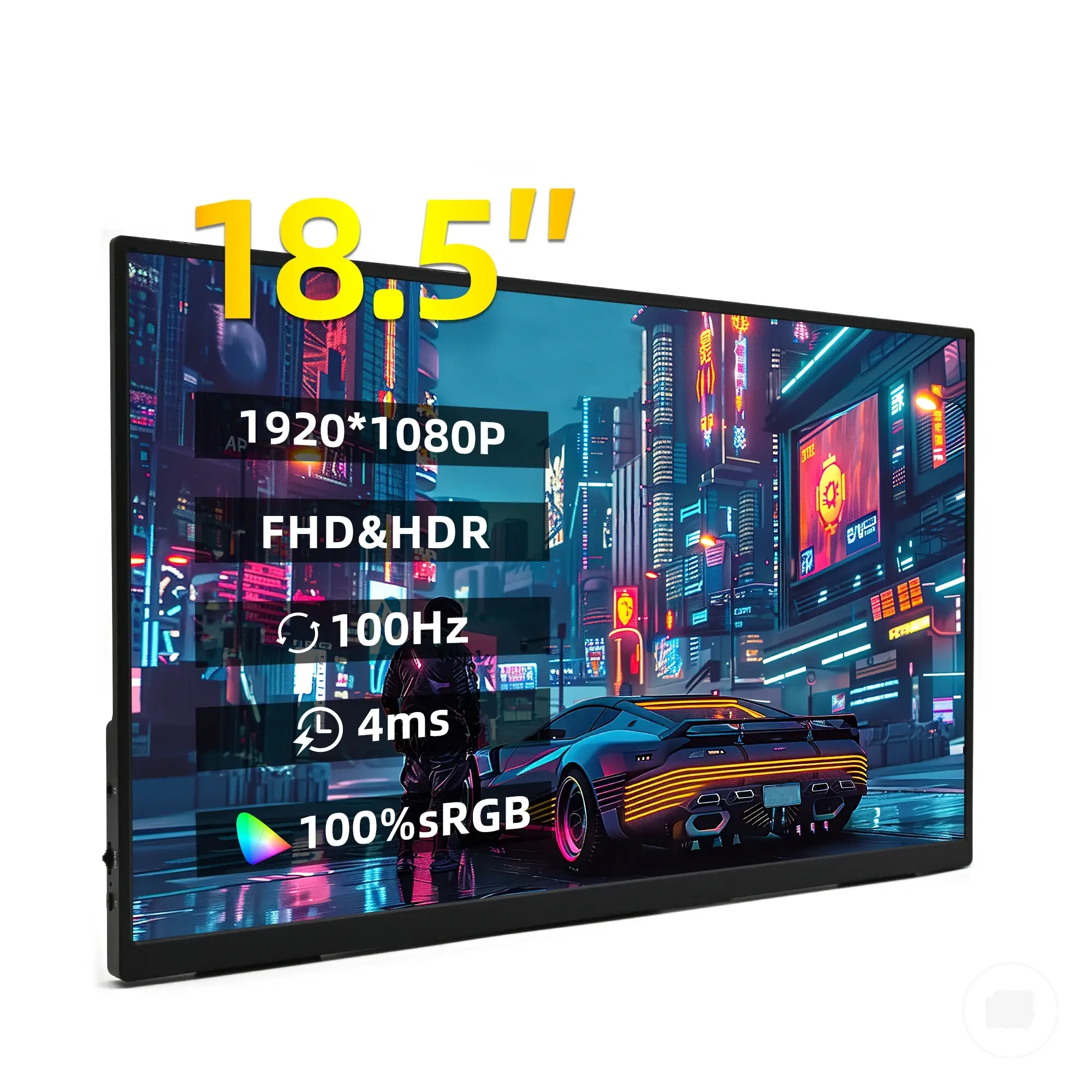
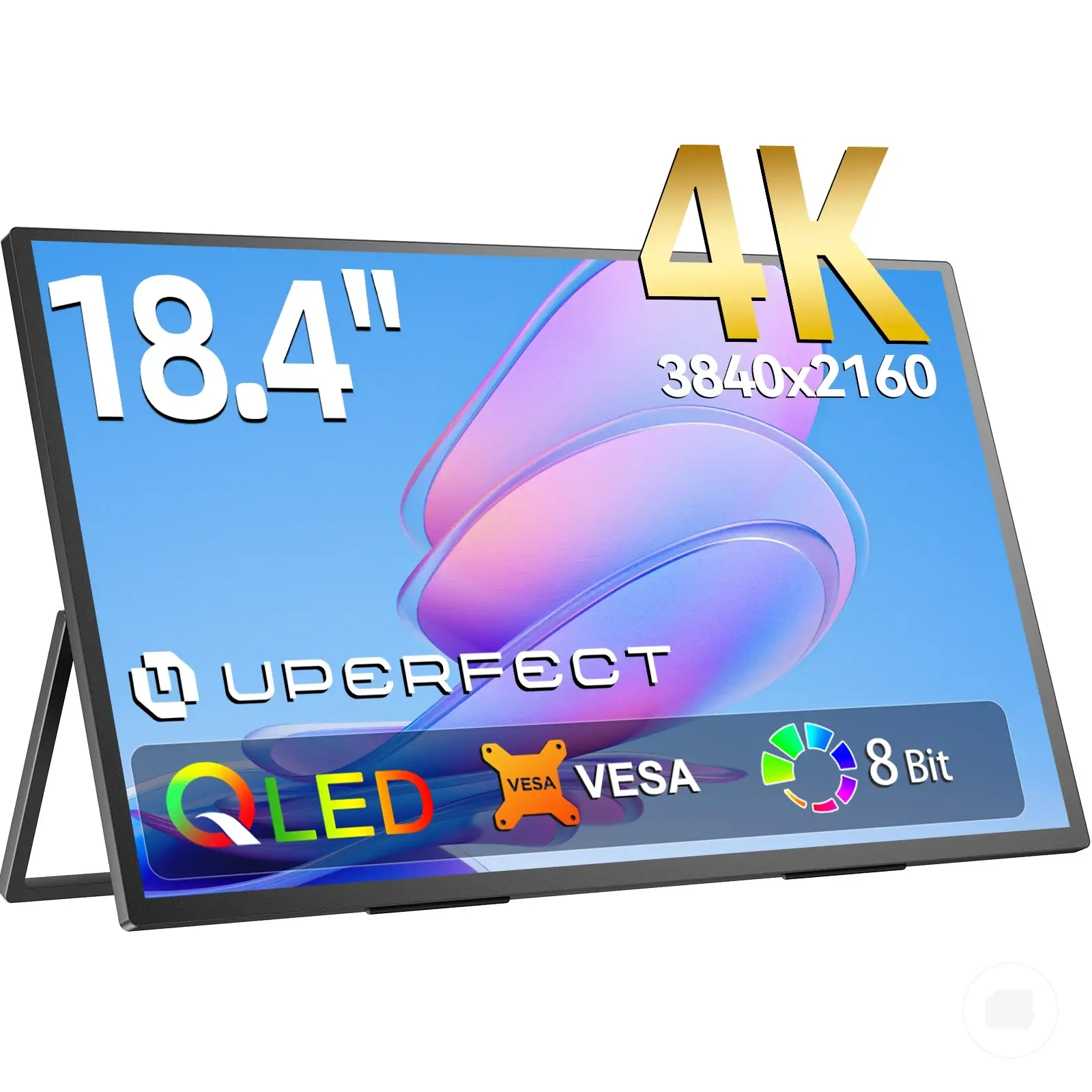
Here are product examples that may make comparison easier. Before buying, always review the compatibility criteria, essential features, and product details.
| Attribute | What improves | Trade-off | Better priority when |
|---|---|---|---|
| Refresh rate | Motion smoothness and responsiveness | May increase power demand or price depending on the model | Gaming-first use |
| Resolution | Display sharpness and text clarity | May require balancing with refresh rate or power use | Sharper text and detailed content |
| Screen size | Viewing area and workspace | May reduce portability depending on the device | Productivity and larger viewing needs |
| Power use | Battery efficiency and operating time | Feature choices can influence overall power demand | Frequent portable use |
| Price | Overall affordability | Lower cost may involve feature compromises | Value-focused buying priorities |
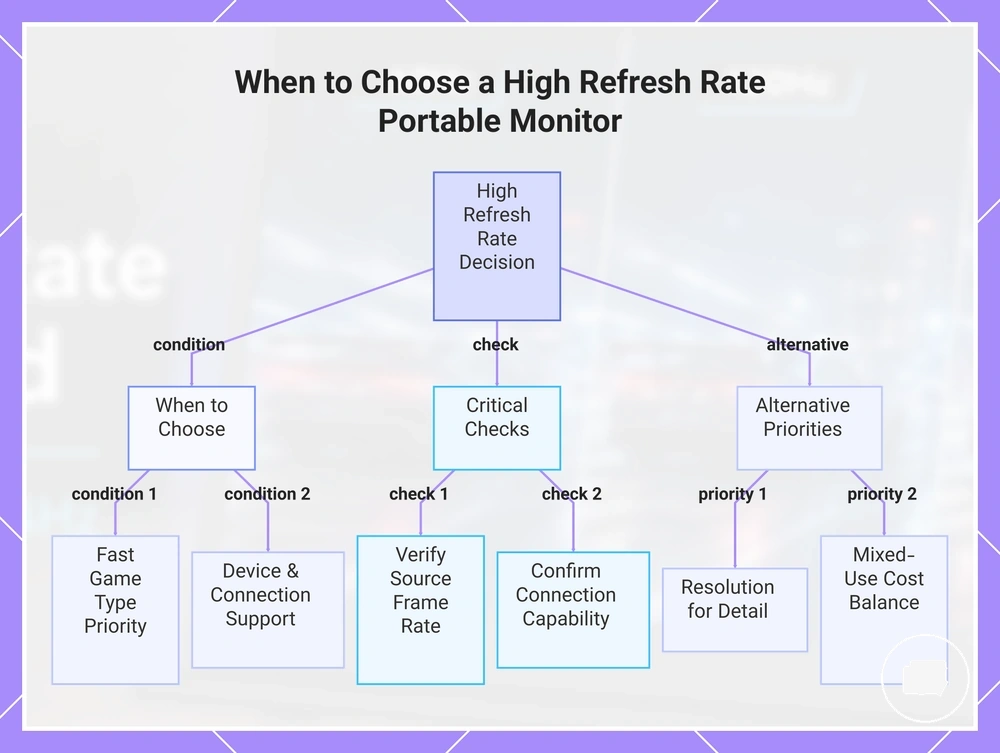
When a high refresh rate portable monitor is worth choosing
A high refresh rate portable monitor is worth choosing when your game type, motion sensitivity, and device output can benefit from the extra refresh capability. The greatest value comes when the source device can deliver a supported frame rate through adequate connection capability. Under those conditions, a high refresh rate portable monitor is more likely to justify its added cost or trade-offs.
For console gaming, laptop gaming, or other motion-sensitive use, a higher refresh rate may improve the viewing experience when the connected setup supports it. For everyday work, mixed-use travel, or office tasks, resolution, screen size, or lower cost may provide greater day-to-day value than a higher refresh rate alone.
A high refresh rate portable monitor may not deliver its expected benefit if device output, supported frame rate, or connection capability becomes the limiting factor. Before increasing your budget for a higher refresh rate, check that the complete setup can support the intended display mode and consider whether other display priorities better match your needs.
The checklist below summarizes when a high refresh rate portable monitor is worth choosing and when another attribute may deserve higher priority. Use these selection signals to match refresh rate with your actual usage rather than treating it as a universal upgrade.
Here are product examples that may make comparison easier. Before buying, always review the compatibility criteria, essential features, and product details.
- Choose a high refresh rate when fast game type performance is a regular priority.
- Verify that the source device can provide the supported frame rate you expect.
- Confirm the cable or port offers the connection capability needed for the selected refresh mode.
- Consider whether the additional budget matches your buying priorities.
- Prioritize resolution if sharper text or detailed work is more important than motion smoothness.
- For mixed-use travel setups, balance refresh rate with screen size, power use, portability, and other display priorities.
This chart outlines the conditions that make a high refresh rate portable monitor valuable, the critical checks before purchase, and the alternative priorities that may be more important.
Flickering and refresh rate problems on portable monitors
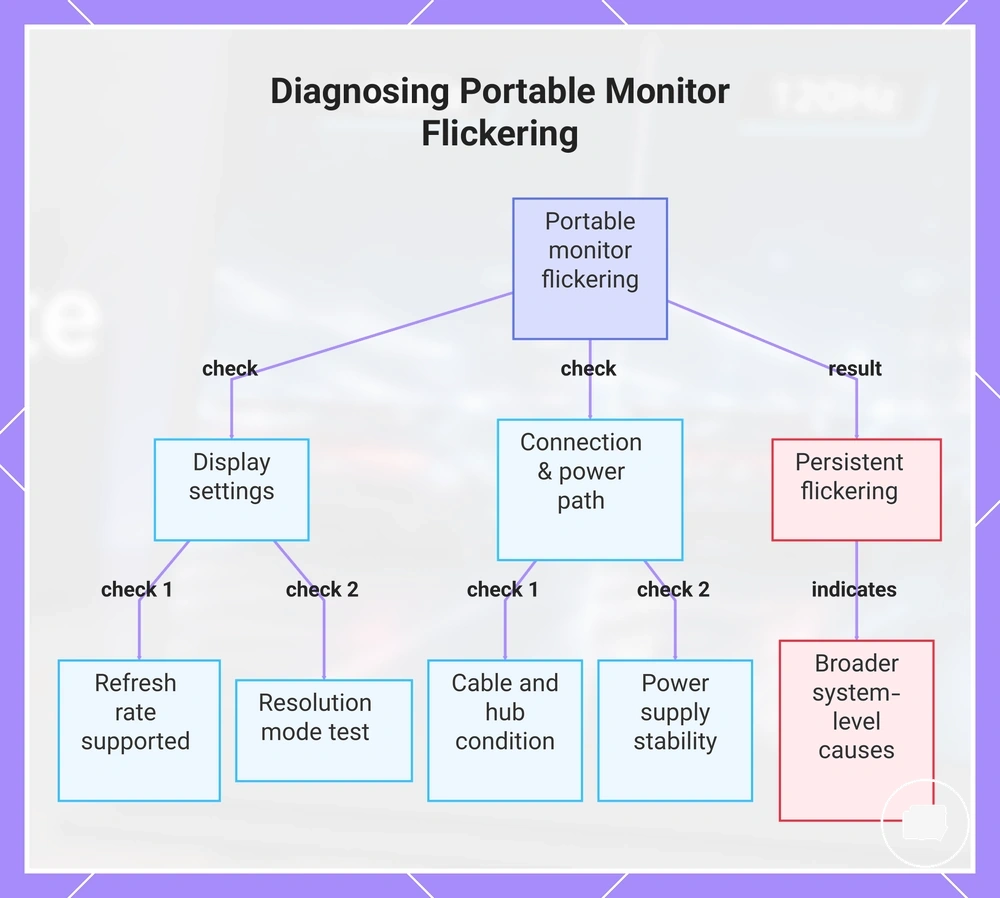
When flickering appears on a portable monitor, the refresh rate setting may be only one of several possible causes. Screen flicker can also result from a refresh mismatch, an unstable cable path, power instability, or limits in device output. Treat flickering as a multi-cause symptom before assuming the refresh rate alone is responsible.
Flickering and refresh rate problems are usually diagnosed by checking the display settings and the complete connection path. Review the refresh rate setting, resolution mode, cable path, hub or adapter, power supply, and device output to identify the most likely cause before making further changes. The checklist below provides a safe sequence of next checks.
- Confirm the selected refresh rate setting is supported by the current resolution and device output.
- Check whether changing the resolution mode affects the flickering symptom.
- Inspect the cable path for a loose or incompatible connection that may create an unstable signal.
- If a hub or adapter is being used, verify that it supports the selected display mode without introducing a connection limit.
- Check whether the power supply is stable, especially if the portable monitor relies on USB power.
If flickering continues after these checks, the cause may involve broader signal, power, or hardware conditions beyond refresh rate settings. For broader diagnostic guidance, see portable monitor flickering issues.
This chart shows the main check categories for diagnosing flickering on a portable monitor, covering display settings and connection path, and the next step if flickering persists.
Refresh rate mismatch and unstable display settings
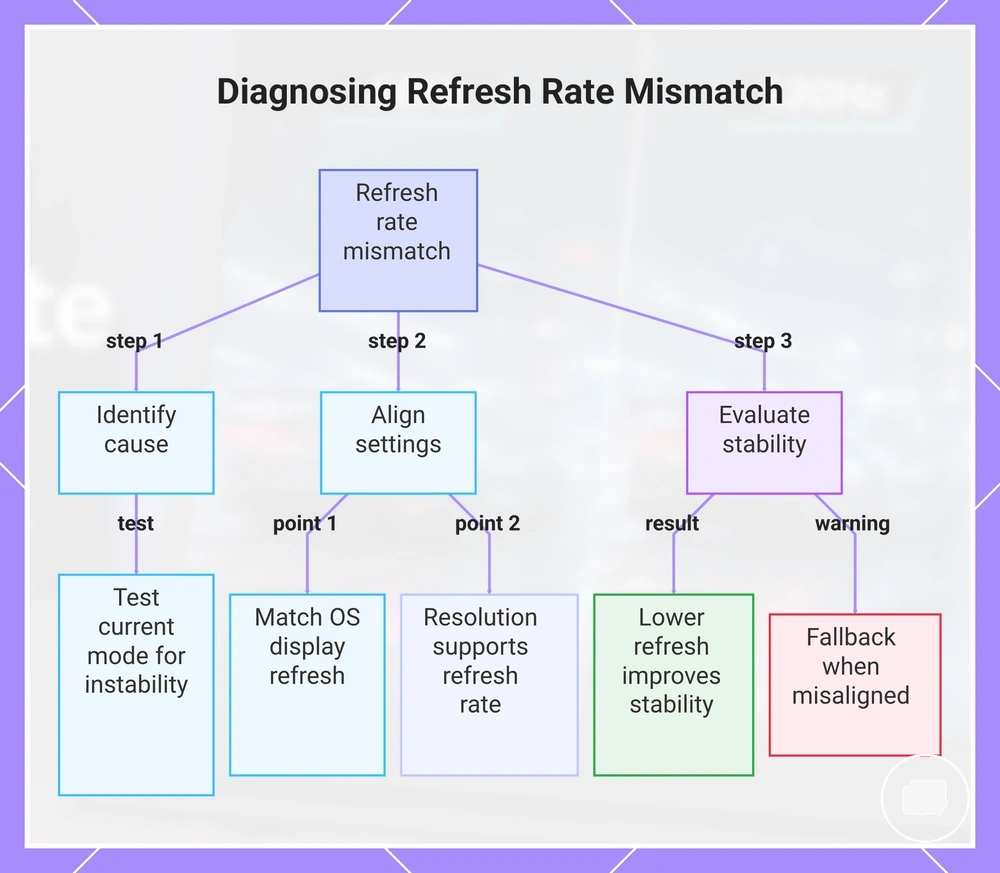
When refresh rate mismatch occurs, the selected Hz may not match what the portable monitor or source device can reliably sustain. This can result in instability or fallback behavior if the display setting, game setting, resolution mode, and device output limit are not aligned. Begin by confirming whether the selected mode is creating the mismatch.
Test the current settings in a logical order before changing other parts of the setup.
- Confirm the selected Hz matches a supported operating system display setting.
- Check whether the operating system display setting and the in-game setting use compatible refresh values.
- Verify that the selected resolution mode supports the chosen refresh rate.
- If testing a lower refresh rate improves stability, the previous selected Hz may have exceeded the device output limit or triggered fallback behavior.
This chart shows the step-by-step process to identify and resolve refresh rate mismatch, including initial testing, alignment checks, and stability evaluation.
Cable, power, and hub limits behind flickering
When flickering occurs at higher refresh rates, cable bandwidth, power, or hub limitations may contribute to unstable output. USB-C or HDMI connection paths, adapter capability, and external power can all influence flicker risk when resolution-refresh demand increases. Begin by checking the connection path before changing other parts of the setup.
If flickering appears at 120Hz or 144Hz but not at 60Hz, the higher resolution-refresh demand may be exposing a bandwidth or power limitation.
- Confirm that the cable bandwidth is suitable for the selected refresh output over the current USB-C or HDMI connection.
- Test a direct connection path to determine whether a hub or adapter is introducing a bandwidth limit.
- Check whether the hub or adapter supports the selected display mode without limiting the connection path.
- Use external power if power instability may be affecting the portable monitor during high refresh operation.
- Lower the resolution-refresh pairing to determine whether the previous demand was contributing to flicker risk and unstable output.